The cleaner twin: two identical GTX 1050 Tis on the bench, and this one had less to fix
Two consecutive-serial EVGA 1050 Tis went on the bench back to back. This one started 3 degrees cooler than its twin, so the clean did less: about 3C off load, 5C off a sustained soak. The dirtier card gained more, which is the whole point of running them as a pair.
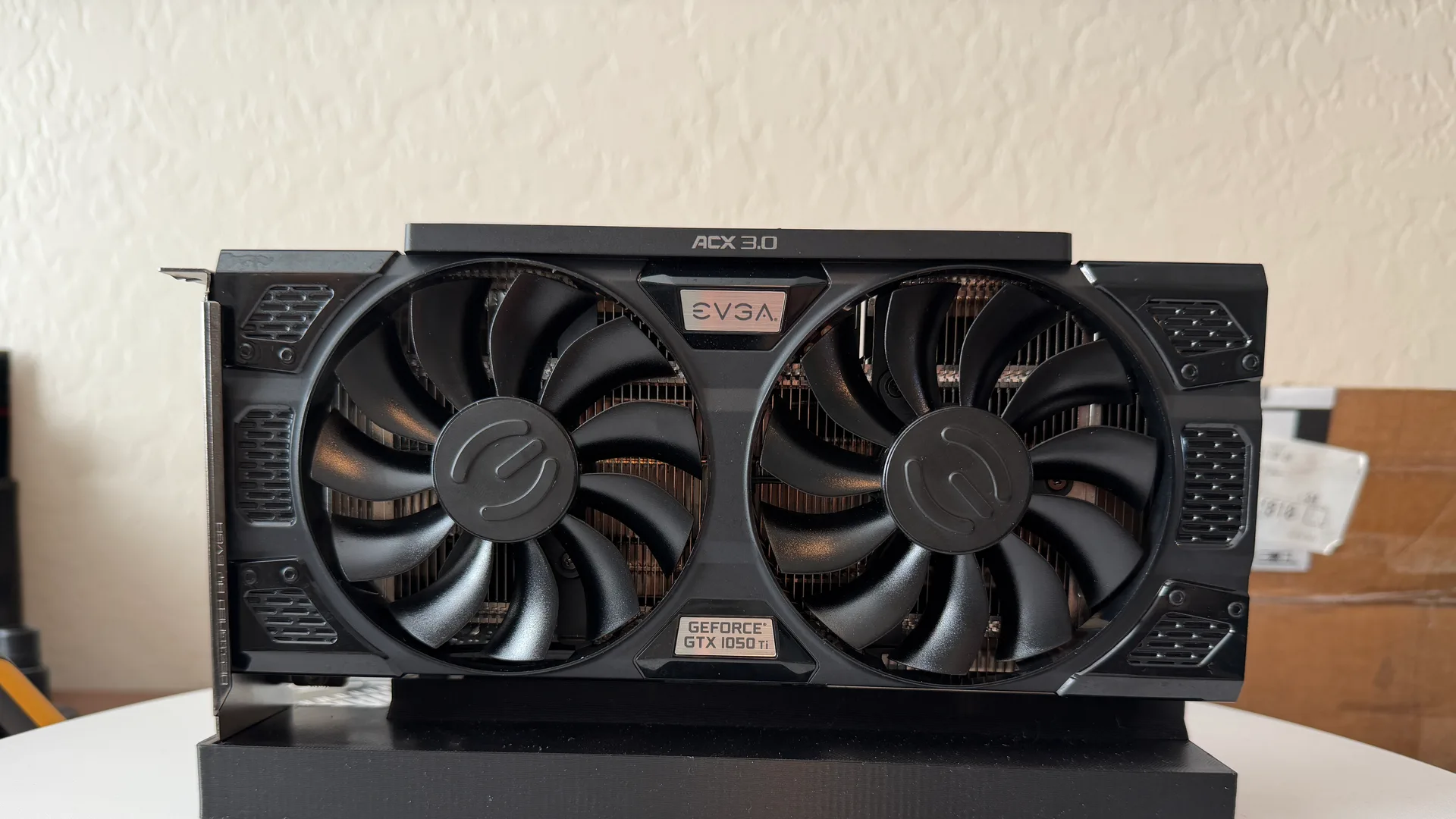
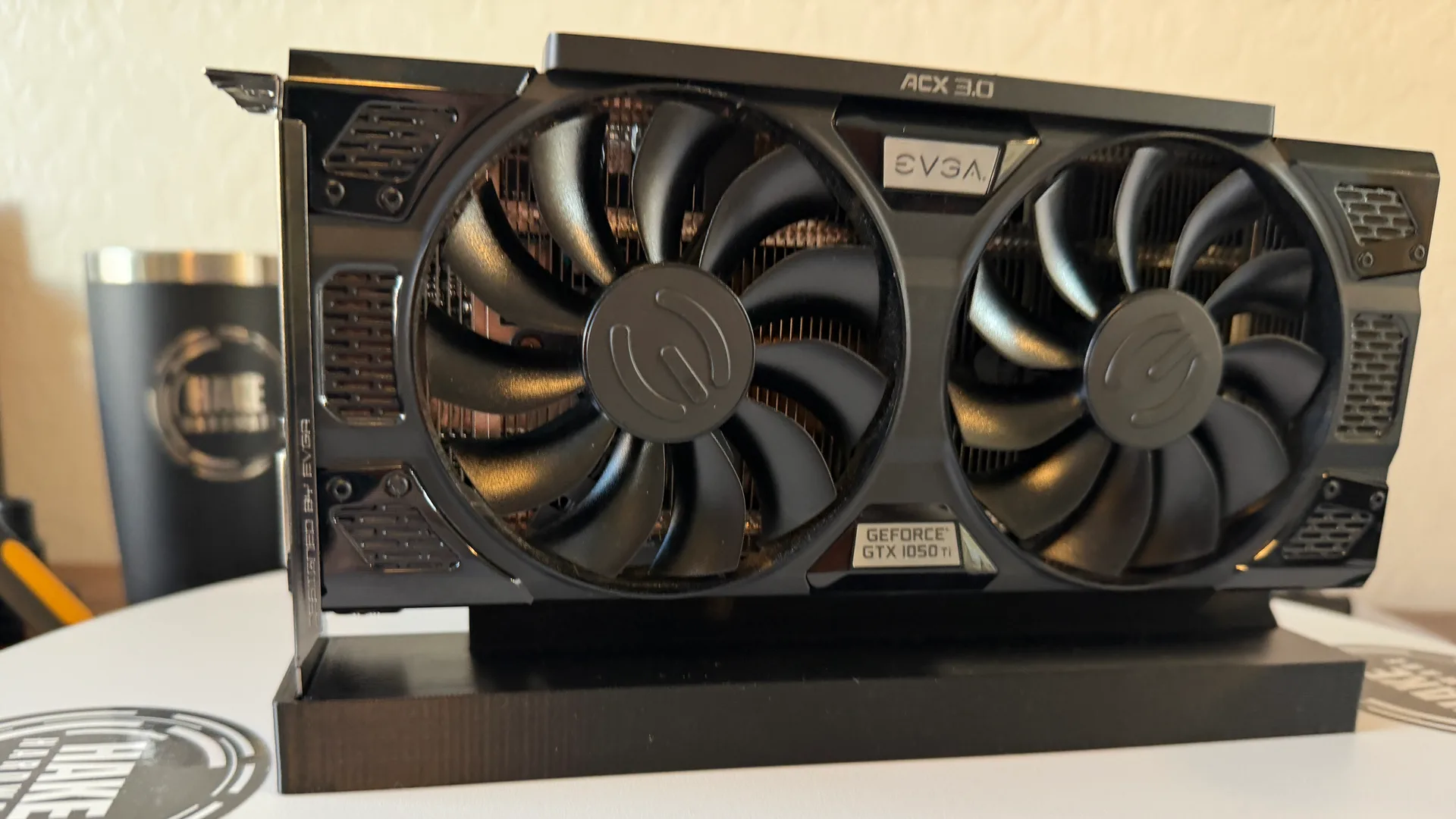 BEFOREAFTER
The card
- Model
- GTX 1050 Ti SSC
- Brand
- EVGA
- Series
- 10-series
- Architecture
- pascal
The numbers
Temperature under load
Dusty vs. clean, same benchmark. The dusty run hit thermal/power throttling.
Watch the clean
We had two of these come through together, and they are about as close to identical as two used cards get. Same EVGA GTX 1050 Ti SSC, same SKU, and serial numbers that land one digit apart, which means they came off the line side by side and have lived more or less the same life since. So we ran them back to back on the same bench, in the same room, to see how close two matched cards actually track. This is the second of the pair. It went on cooler than its twin, and the clean did less to it. That is the result, and it is worth more than it sounds.
Two identical cards, and the dirtier one won
Its twin started load at 56C and dropped about 8C after a clean and fresh paste. This one started at 53C and dropped 3. Both are the same model, the same age, cleaned the same way on the same afternoon. The gap is the point. A card that runs hotter going in has more headroom for a clean to recover, and a card that was already running cool has less to give back. Nothing was wrong with this one. It just did not have as much to fix, and the bench says so plainly.
The dust was in the corners. The crust was on the die
Pop the cooler off and the picture explains itself. The little bit of dust this card carried lived in the corners of the plastic shroud and around the fan hubs, not packed into the fin stack where it would actually choke airflow. It was one of the cleanest fan housings we have opened. The real job was on the GP107 die: the factory thermal paste had dried to a cracked grey crust. Years of heat cycles bake the oils out of paste until it stops carrying much heat across the gap. You cannot photograph the fix, because once it is wiped off and replaced, the card looks the same as it did going in. That is why the front-on before and after barely move.
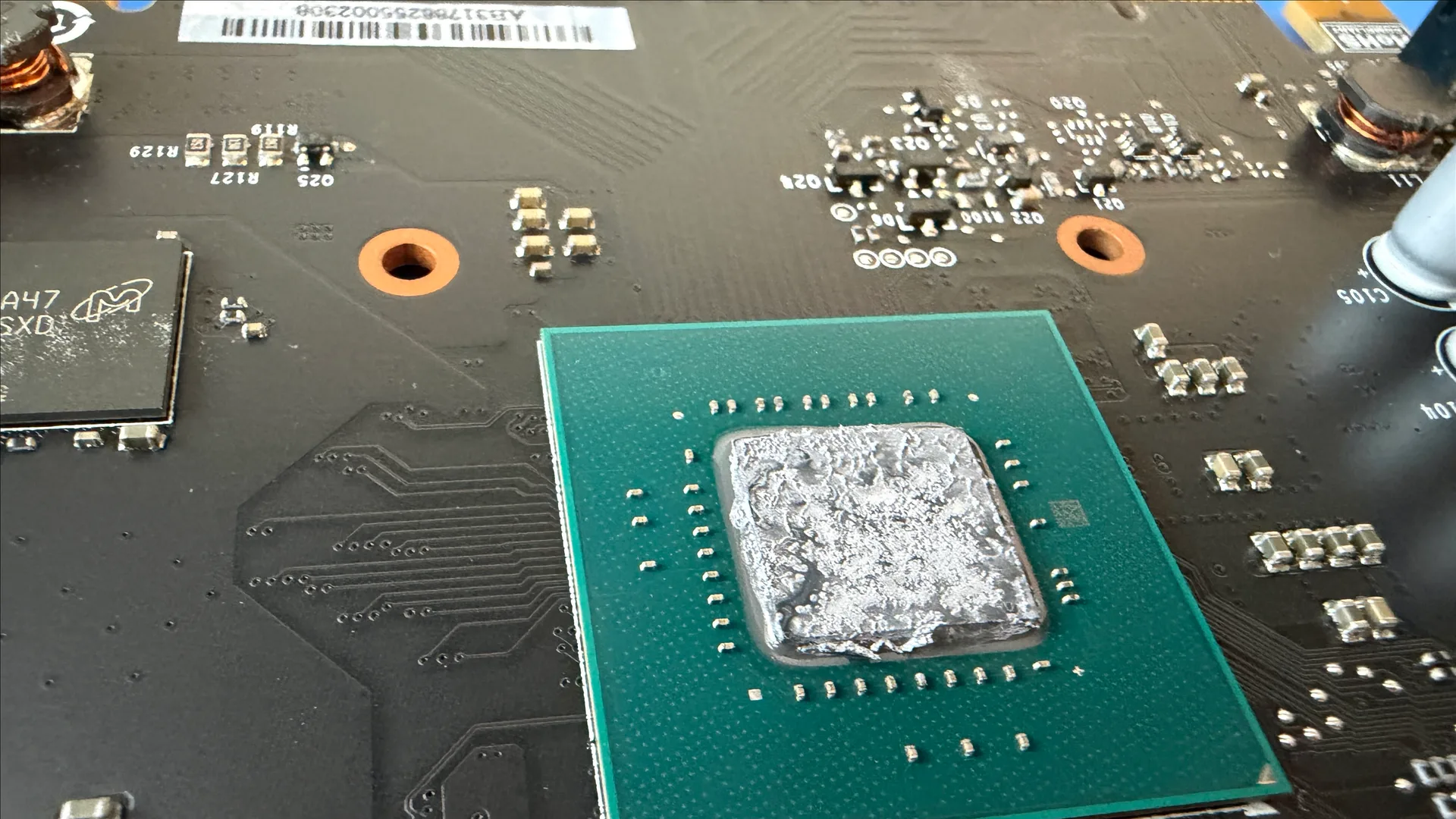
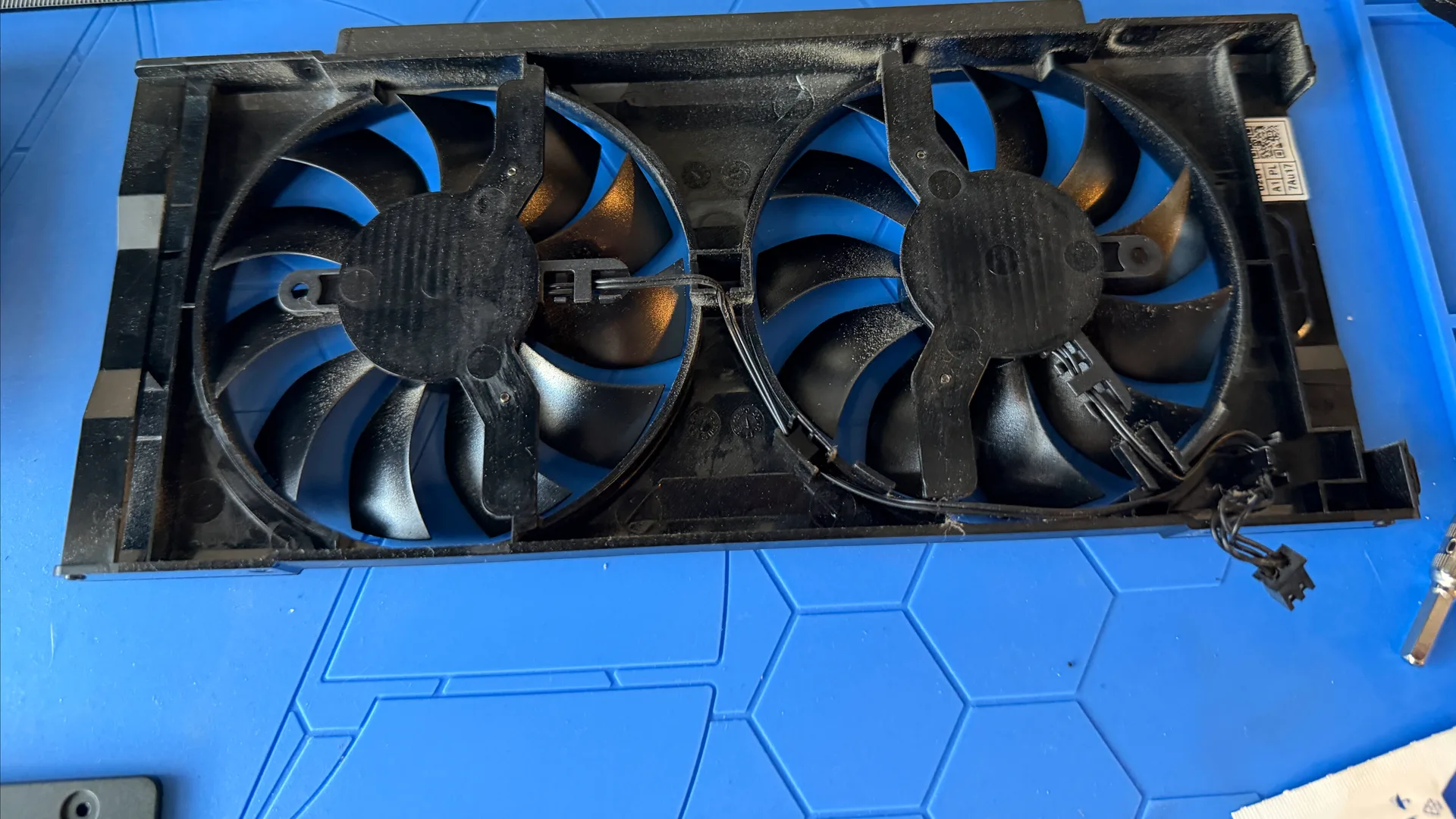
What the bench measured
Peak load came down from 53C to 50C. Push it into a sustained heat soak and the gap opens a little: 58C before, 53C after, so about 5 degrees once the card is fully warmed through. The soak number is the one we trust most, because it is the steady state your case actually lives in. The graphics score did not move, and it was never going to. This card pulls 75 watts straight from the slot and sits pinned at that ceiling the whole run, before and after. A better thermal path on a card that already holds its clocks gives you a cooler, calmer card, not a quicker one. On a GTX 1050 Ti that is exactly the trade you should expect.
Health check
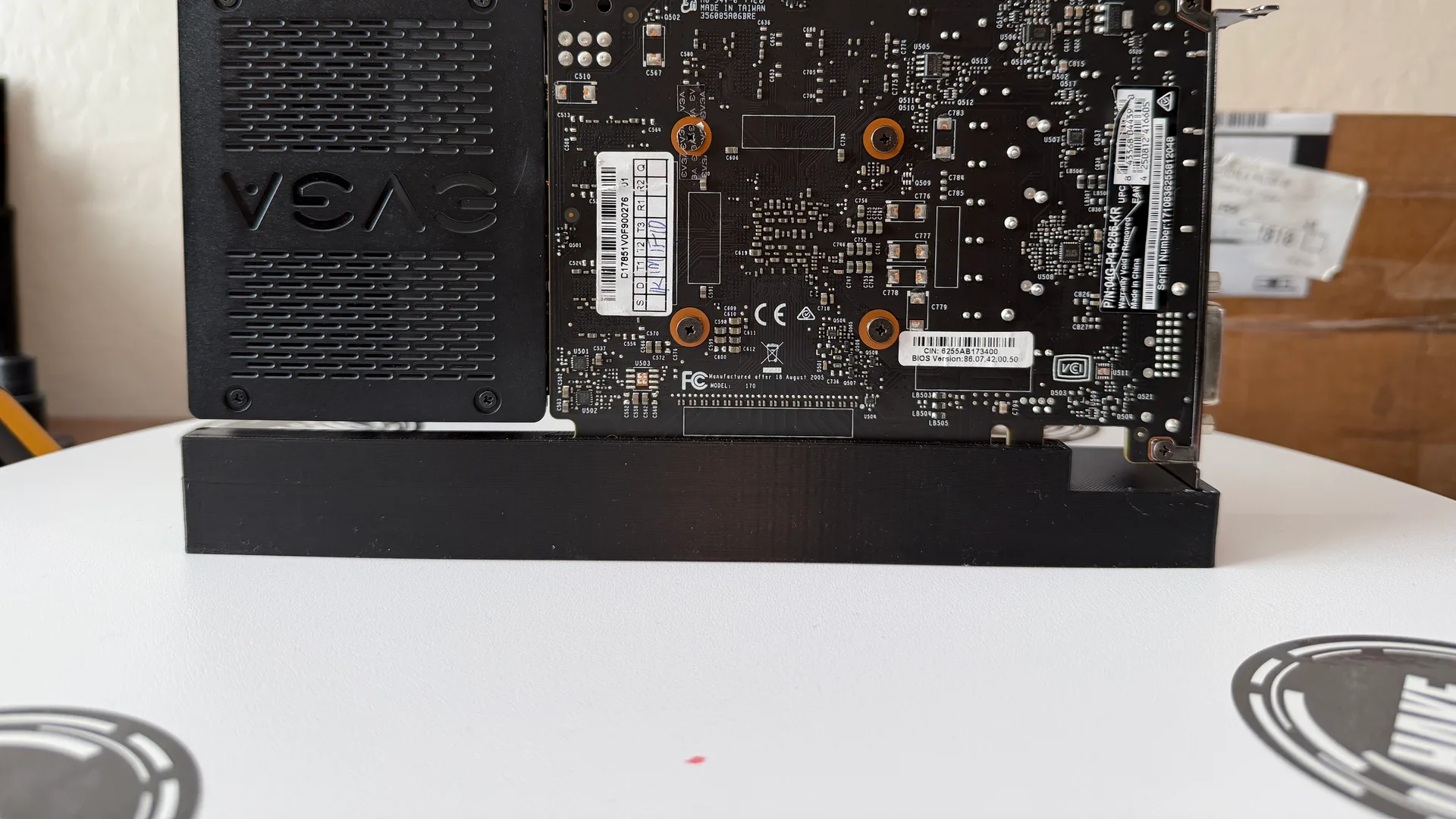
The 4GB of GDDR5 tested clean across a full pass with zero errors and no artifacts through a fifteen-minute soak. On Windows the driver loaded without complaint and all three outputs came up: HDMI, DisplayPort, and the dual-link DVI on the bracket. That DVI port dates the card. The 10-series was the last GeForce generation that still shipped one as standard. As a card to service, this one is about as friendly as they come. The only annoyance is the I/O bracket, which EVGA fastened with actual nuts that need pliers to break loose. Everything else is a few screws and a couple of clips.
So this card came out 3 degrees cooler at load and 5 cooler under a sustained soak, with the same score it went in with and fresh paste that should hold healthy temperatures for years. Its twin gained more because it had more to lose. Running the pair together is what makes either number mean anything: two cards that are genuinely the same, cleaned the same way, where the only real variable was how each one was doing when it arrived. This one was doing fine. Now it is doing fine and a little cooler.
Products used
As an affiliate, DustyFans may earn a commission from these links, at no cost to you.