This EVGA GTX 1050 Ti looked clean enough to skip. The dust was hiding inside
A tidy-looking 1050 Ti SSC that nobody had opened was packing webbed dust in the fins and dried, cracked paste on the die. Load temps fell 8C, soak 9C, and the score stayed flat at a hard 75W.
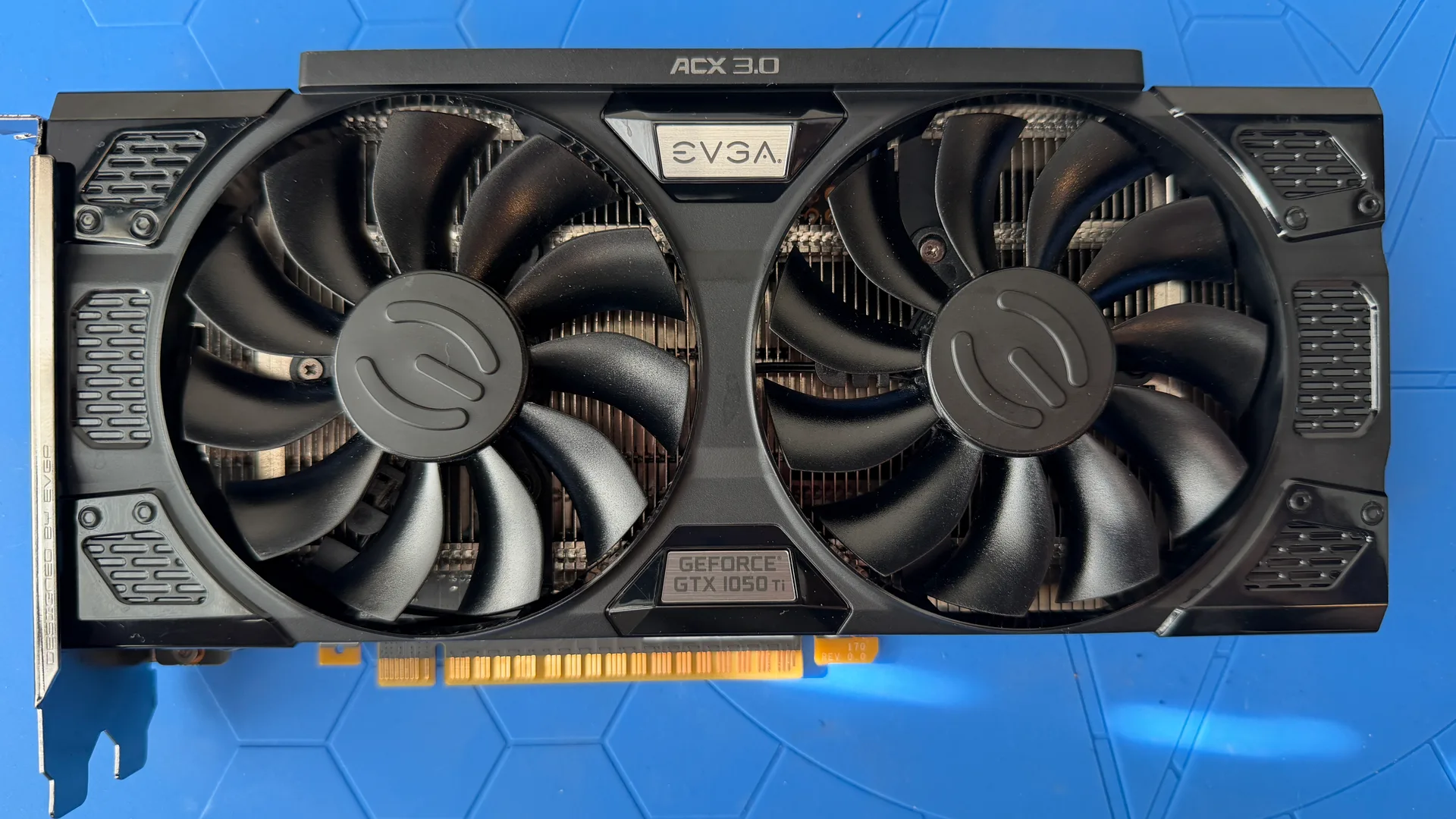
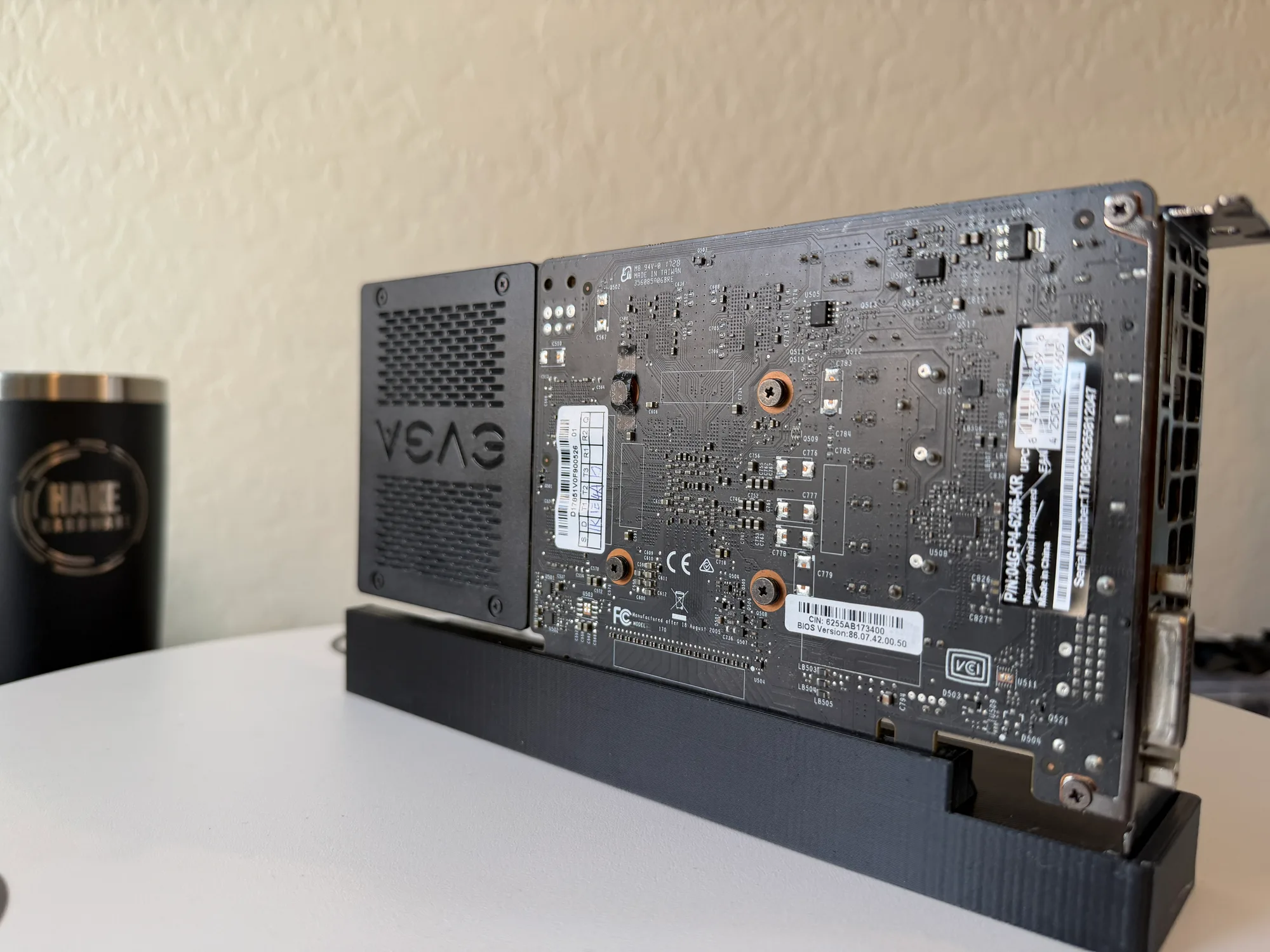 BEFOREAFTER
The card
- Model
- GTX 1050 Ti SSC
- Brand
- EVGA
- Series
- 10-series
- Architecture
- pascal
The numbers
Temperature under load
Dusty vs. clean, same benchmark. The dusty run hit thermal/power throttling.
Watch the clean
From across the bench this EVGA GTX 1050 Ti SSC looked ready to drop straight into a build. That is exactly why it sat unopened for so long. Cards that photograph clean rarely get pulled apart, and this one had never been cracked open since the day EVGA screwed it together. The dust was all on the inside. Load temperature came down from 56C to 48C, and a sustained heat soak fell from 61C to 52C. The graphics score did not move, because this chip runs against a hard 75 watt ceiling and there was no extra performance hiding under the grime.
Plenty of cards arrive as a biohazard, fans furred solid, the kind of filth you can read from the parcel. This one was not that. On the intake table it scored a middling three out of five for visible dirt, and a beauty shot would have flattered it. The give-away only showed under raked light: a thin gray film across the fan blades, settling down into the fin gaps behind them. Dust like that does not look dramatic. It still insulates the cooler and quietly steals headroom.
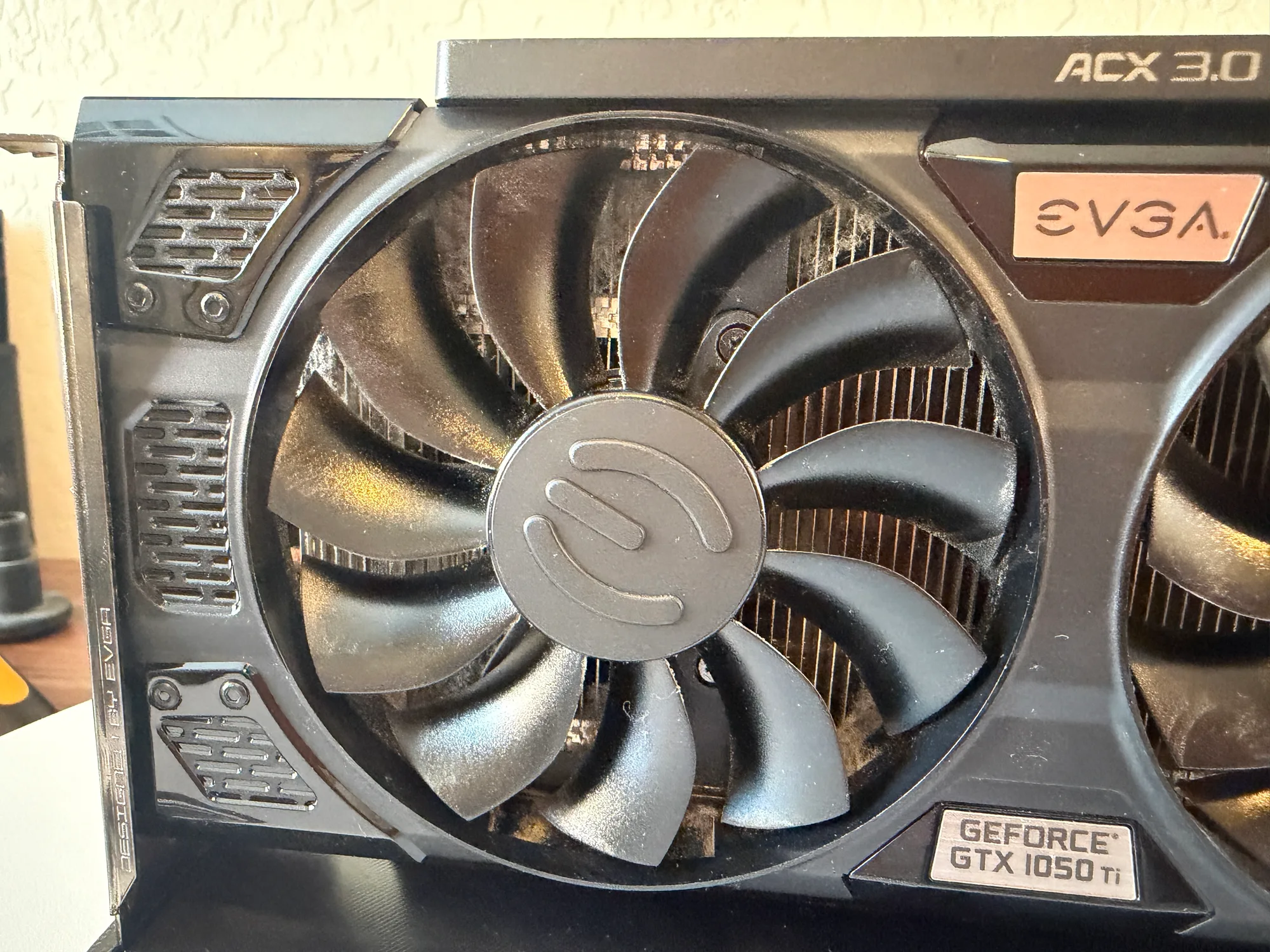
Pull the shroud and the real mess turns up
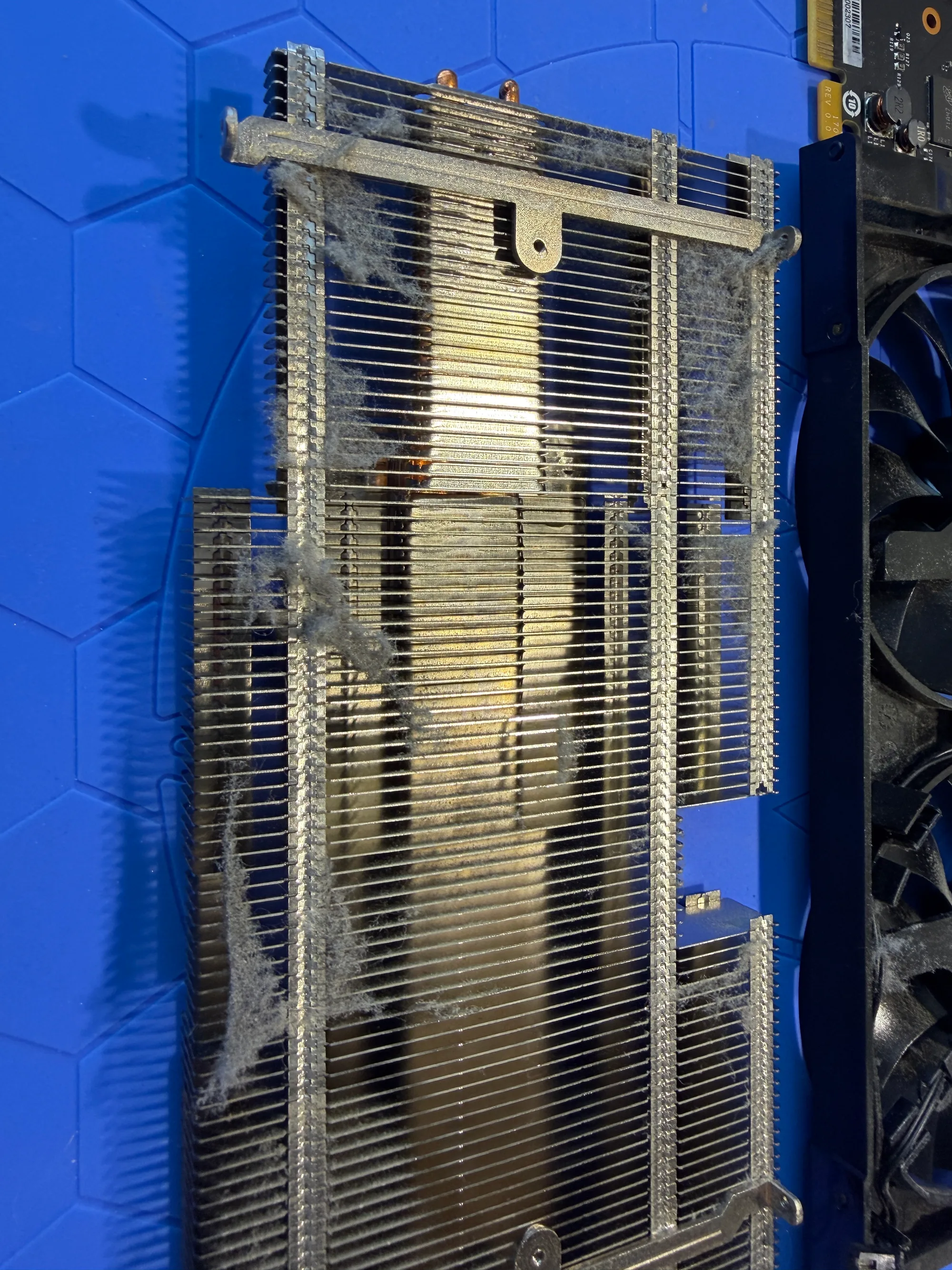
The 1050 Ti is a friendly card to take apart. Loosen the bracket, back out the PCB screws, unplug the fan, lift the cooler. The one genuine annoyance is the fan wiring: EVGA routed it through a tangle of clips and a plastic keeper, so freeing the two fans means snaking each cable back through by hand without snapping a brittle old blade. Underneath all of that, the actual buildup came into view. Cobwebs ran clear across the aluminum fin stack, the kind of webbed dust a can of air or a leaf blower never reaches because it is wedged between the fins, not sitting on top of them. The fan hubs and blade roots were ringed with grime where the airflow could never scrub them.
Then the cooler came off the die, and there was the rest of it. The factory paste on the Pascal GP107 had gone hard and cracked, the surface crazed like dried riverbed mud, with a matching crusted imprint baked onto the cooler's cold plate. Paste in that state stops carrying heat across the joint long before it ever looks alarming. Wiping it off took real effort, it had caked on that thoroughly. Webbed dust in the fins, dead paste on the chip: neither was visible from the outside, and together they were what held the temperatures up.
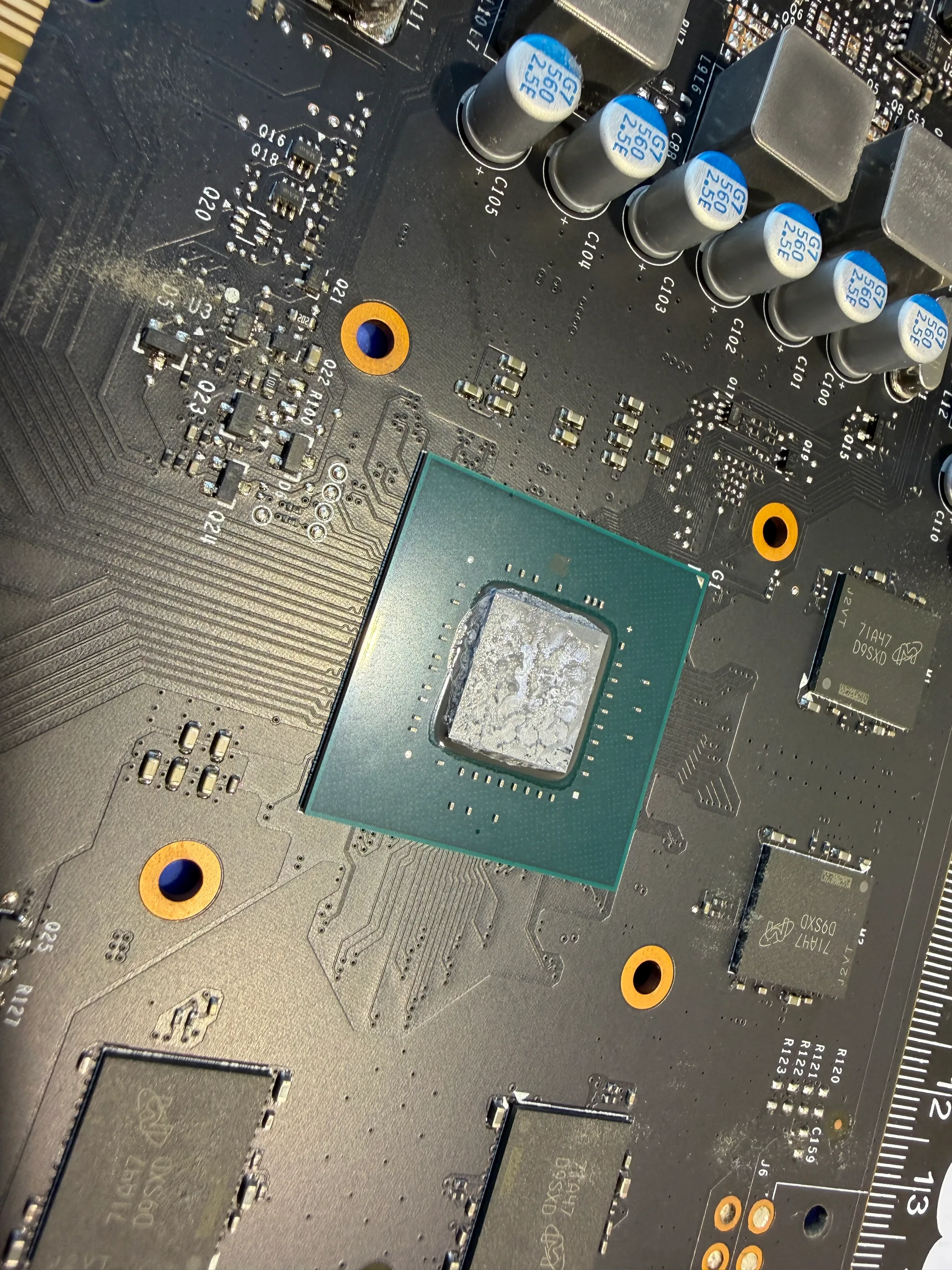
Soap, distilled water, fresh paste
Bare board into the bath, a little Dawn and distilled water, and a scrub down to spotless. The heatsink on these is simple enough that the dust rinses straight out of the fins once the shroud is off it. The die wiped back to bare metal, fresh paste went down, and the cooler that EVGA bolted to this thing is honestly overkill for the job: two copper heatpipes and a slab of aluminum fins, all feeding a chip that draws 75 watts and pulls every one of them through the slot. No extra power connector, no fuss.
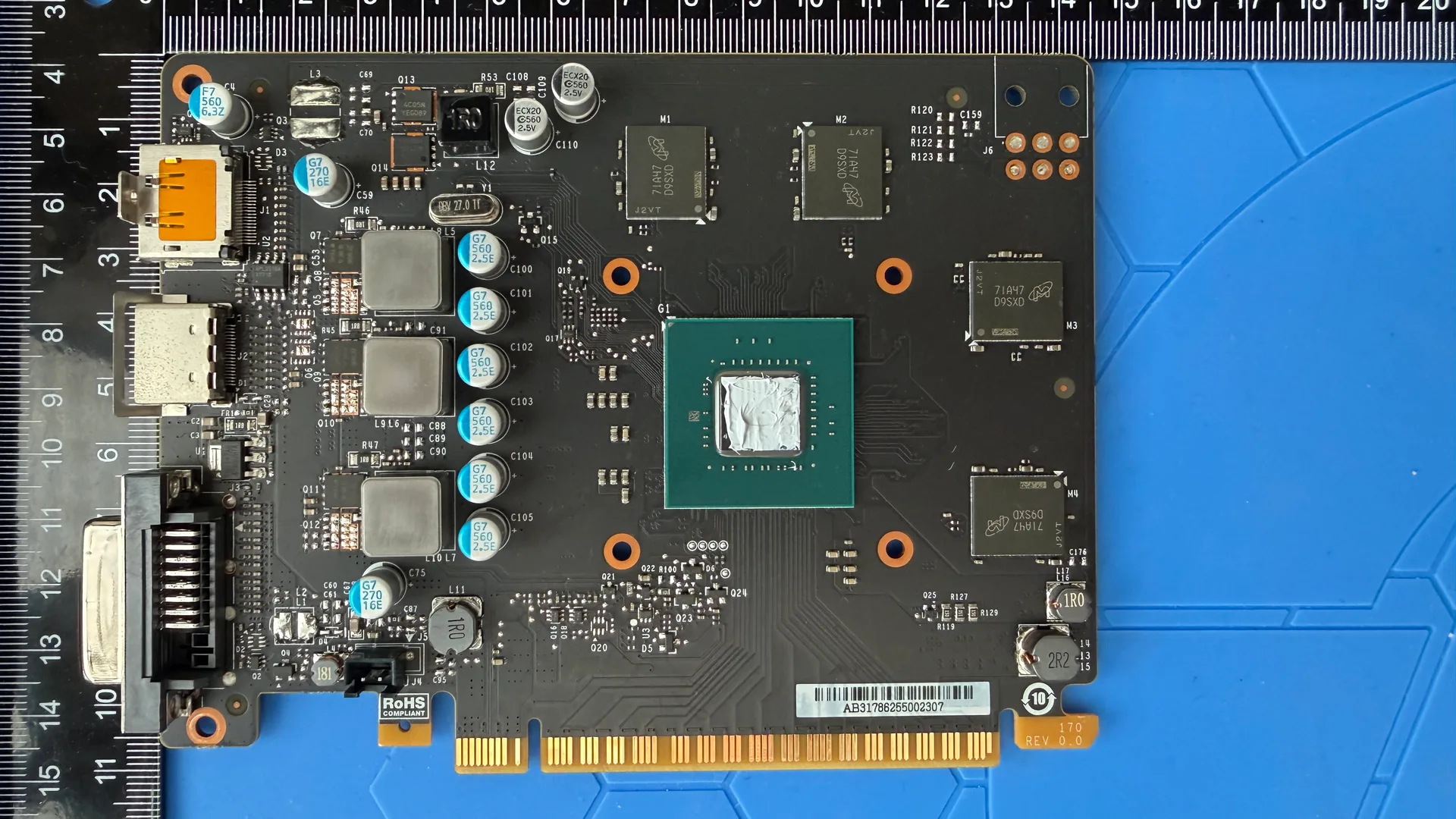
What the clean actually changed
Back on the bench, the numbers landed where the teardown said they would. Load temperature dropped from 56C to 48C across the three runs. A fifteen minute sustained heat soak, which is where old paste usually shows its true ceiling, fell from 61C to 52C. That is a real 8 to 9 degree swing on a card this small. The graphics score sat dead flat at roughly 26,700, give or take a single point, because the 1050 Ti SSC runs against a fixed 75 watt power limit, the entire budget it pulls through the PCIe slot. Clean it, repaste it, do whatever you like: at that ceiling there is no extra frame to free up. So the win here is thermal, not performance. It runs cooler and has more margin in hand, and on a passively modest card like this, lower temps are the longevity story.
On the health side it came through clean. The VRAM integrity pass turned up zero errors across its 4GB of GDDR5, the soak ran the full fifteen minutes with no artifacts, no crash, and no driver faults logged either before or after. All three display outputs are alive and confirmed on Windows: DisplayPort up top, HDMI in the middle, dual-link DVI down low. For an older card that whoever runs it next will likely use across a couple of monitors, having the full output trio still working is worth as much as the degrees.
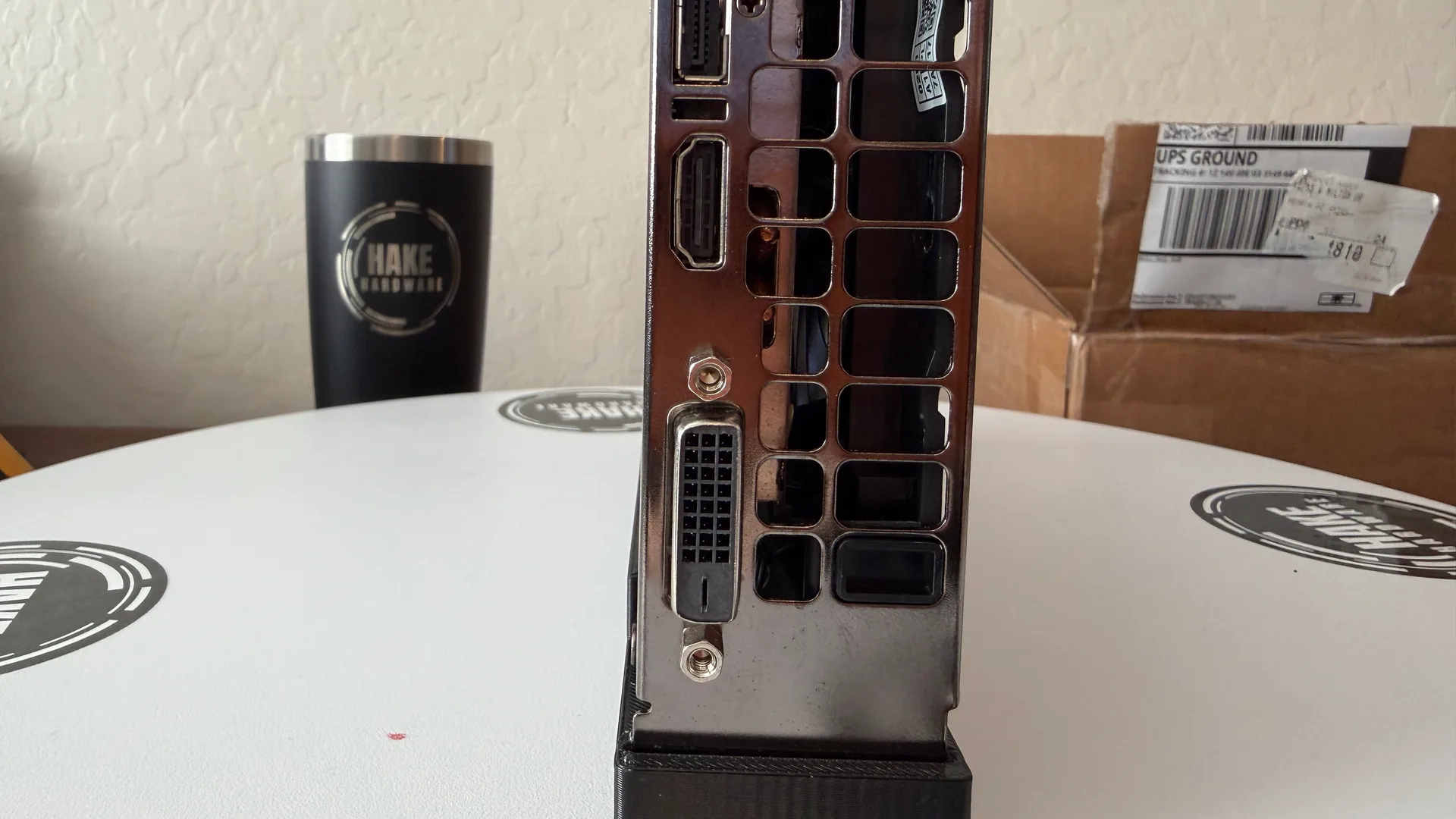
One of a matched pair
Here is the part that makes this one interesting beyond its own numbers. It is the first of two identical EVGA 1050 Ti SSC cards going across the bench back to back, same model, same cooler, same process, cleaned one after the other on purpose. A single result tells you what happened to a single card. Two identical cards tell you whether the result repeats, or whether this one just happened to come in dirtier than most. The second of the pair is up next in Episode 5, run exactly the same way. Whether its temperatures land in the same place is the whole point of doing them as a set.
On its own, this is a tidy little card that came in looking finished and went back out genuinely so. It needed the clean more than it looked like it did, which is the recurring lesson with hardware that ages quietly: the buildup you should worry about is the buildup you cannot see. Eight to nine degrees and a fresh start, on a card someone almost left alone.
Products used
As an affiliate, DustyFans may earn a commission from these links, at no cost to you.